UPSC Note-Making: Digital vs Analog, Tools & Templates
A complete UPSC note-making guide: when to start, digital vs analog, the best tools (Notion, Obsidian, OneNote, Anki), and subject-wise note templates you can copy.
Notes are not a UPSC requirement. Good revisable notes are. The difference decides whether your 12 months of reading becomes usable in the last 30 days or not. Most aspirants make notes that are either too long (second textbook) or too cryptic (only they understand them — and only for 2 weeks).
Here is the complete system: when to make notes, digital vs analog, the tools that actually work, and templates that turn a book into revisable material.
When Should You Start Making Notes?
Never during the first reading. Your first reading is about understanding. Note-making in the first reading produces bloated, low-signal notes. Start from the second reading. By then, you know what is testable, what is marginal, and what is core.
Digital vs Analog: Which Is Better?
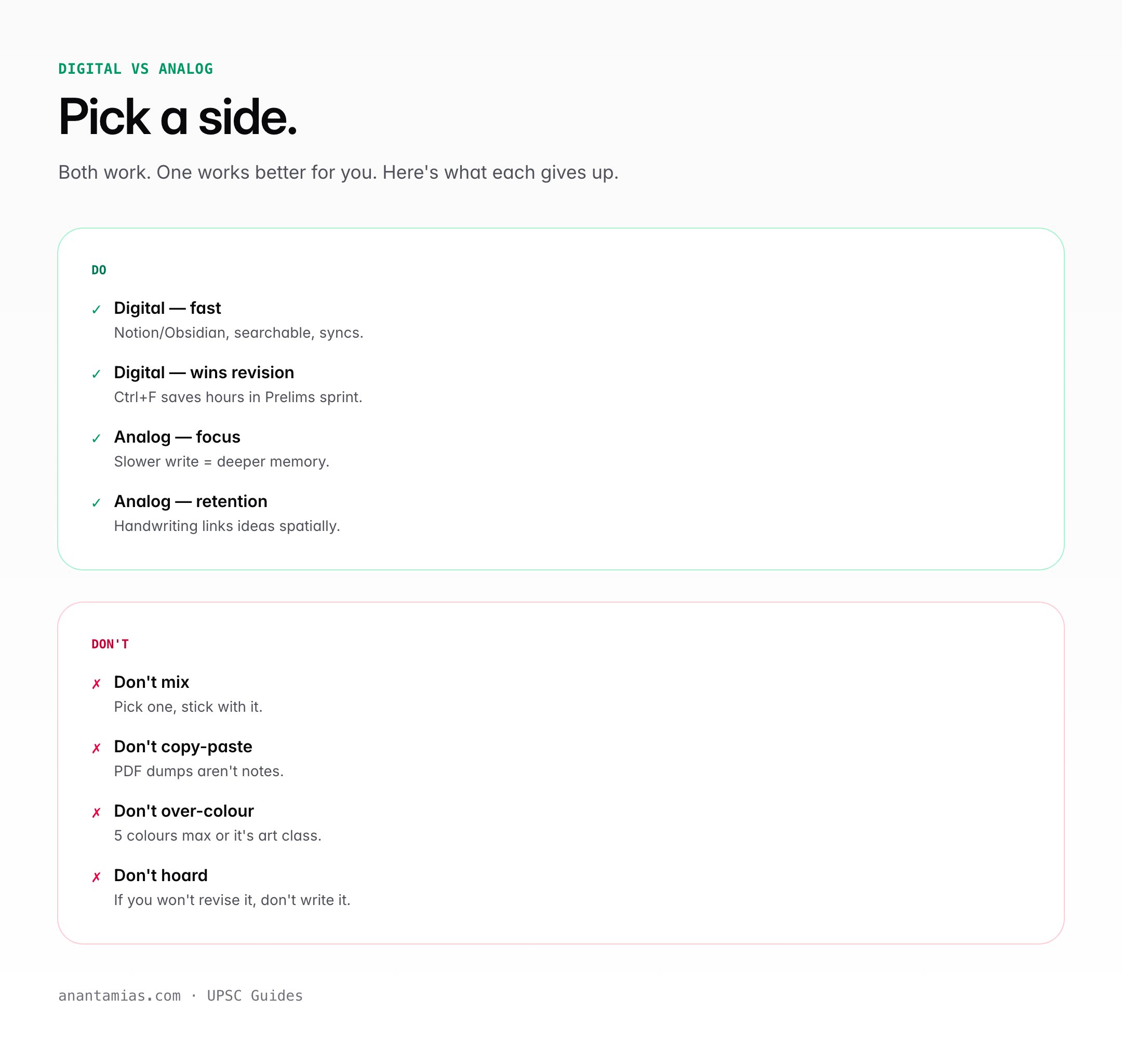
Neither is universally better. The right choice depends on your habits.
| Criterion | Analog (Notebook) | Digital (Notion/Obsidian/OneNote) |
|---|---|---|
| Retention | Higher (writing aids memory) | Lower (typing is passive) |
| Searchability | Low — you re-read to find | High — Cmd+F anything |
| Portability | Moderate | Excellent (cloud sync) |
| Speed | Slower | Faster |
| Revision | Easier visually | Easier with tags |
| Distraction risk | Low | Very high (internet temptation) |
| Cost | Low | Moderate (apps/devices) |
| Best for | Polity, History, Ethics | Current affairs, Geography |
Hybrid works best for most aspirants: analog for static subjects (Polity, History, Ethics), digital for current affairs and rapidly updating topics (Economy schemes, S&T).
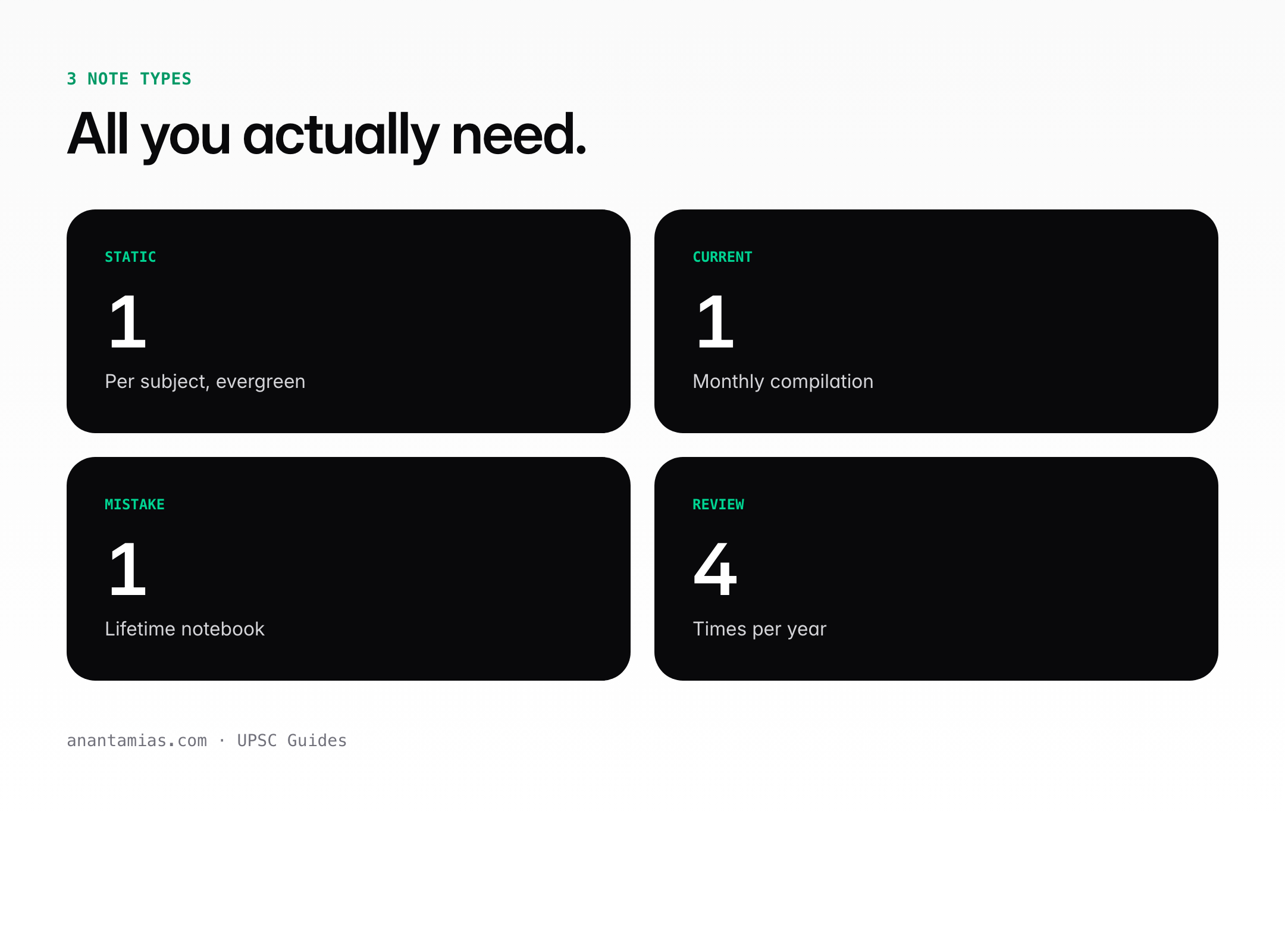
The Three Note Types You Actually Need
Type 1: Subject Notes
From standard books. Used for base content. Medium-length (4–6 pages per chapter). Made during the second reading.
Type 2: Current Affairs Notes
From newspapers and monthly magazines. Tagged by syllabus topic. Short (2–5 lines per item). Consolidated monthly.
Type 3: Revision Notes (One-Pagers)
The ultimate revisable material. One A4 page per chapter. Made from Subject Notes after the third reading. This is what you revise in the last 30 days.
Digital Tools: What Actually Works
Notion
Best for hierarchy and linking. Create a database for GS I, II, III, IV. Each entry tagged by topic, source, date. Pros: beautiful, flexible, free. Cons: slow on weak internet, easy to over-format.
Obsidian
Best for aspirants who think in connections. Markdown-based, local-first, with powerful backlinking. Ideal if you want to link ‘NPA’ notes to both banking and fiscal policy. Free, but has a learning curve.
OneNote
Best for handwriting users on iPad / Surface. Infinite canvas, stylus-friendly, section/page hierarchy. Microsoft 365 users already have it. Syncs everywhere.
Evernote
Best for web clipping. Strongest browser extension for saving articles. Weak at hierarchical organisation compared to Notion.
Anki
Not a notes tool — a flashcard tool. But essential for revision of facts, article numbers, act years, committee names. Free, open-source, cross-platform.
Analog Tools
- A4 ruled notebooks — one per GS paper. Moleskine or Classmate both work.
- A3 sheets for timelines, flowcharts, mind-maps
- Colored pens (4) — black for content, blue for headings, red for important, green for committee/date/data
- Post-it flags — mark uber-important pages for final revision
- Highlighters — yellow for first-level highlight, orange for second
Note Templates You Can Steal
Polity Note Template
For each topic:
- Article number(s) + topic name
- Core provision in 2 lines
- Landmark SC case(s) with year
- 2nd ARC recommendation if any
- Latest amendment / news
- Linked constitutional provisions (Fundamental Right, DPSP, etc.)
History Note Template
- Event / Movement name + Year(s)
- Cause (1 line) + Trigger
- Key leaders and their role
- Course of events — 3 bullet points max
- Impact on Indian national movement
- Historiography — how different historians view it
Economy Note Template
- Concept / Scheme name + Ministry
- Year launched / current version
- Core mechanism (2 lines)
- Key features (3–5 bullets)
- Current data / outlay / coverage
- Challenges + Recommendations (for Mains)
Current Affairs Note Template
- Headline / Issue in 1 line
- Context — why in news
- Key stakeholders / institutions involved
- Implications (political / economic / social)
- Committee / Act / precedent link
- Your 1-line opinion (for Mains practice)
Common Note-Making Mistakes
- Copying entire paragraphs — it’s transcription, not note-making
- Using full sentences everywhere — use phrases and keywords
- Starting notes on day 1 — wait until reading 2
- Making notes from 4 sources for the same topic (leads to 20-page chapters)
- Beautiful Notion pages that take 45 minutes each — content over aesthetics always
- Never re-opening your own notes — a sign your notes are bad
The One-Pager Method
For every chapter, after your third reading, condense it to exactly one A4 page. Use arrows, boxes, flowcharts. Colour-code. This forces you to prioritise. A typical aspirant ends up with 120–150 one-pagers covering the full GS syllabus. Three days of focused revision of one-pagers is a complete syllabus revisit.
Review Your Own Notes Quarterly
Every three months, take one Sunday to re-read your oldest notes. If you struggle to understand them, they are too cryptic. If they take you 30 minutes per chapter, they are too long. Iterate the format. By month 9, your note-making style should have stabilised into something revisable in under 10 minutes per chapter.
Notes are a tool, not a trophy. Judge them by how often you return to them.
Frequently Asked Questions
Should I make handwritten or digital notes?
Handwritten for static subjects like Polity and History, digital for dynamic content like current affairs and Economy. A hybrid system outperforms either alone.
When should I start making notes?
From your second reading of any book. Note-making during the first reading produces bloated, low-signal notes.
Which digital tool is best for UPSC?
Notion for hierarchy, Obsidian for connections, OneNote for handwriting, Evernote for web clipping, Anki for flashcards. Pick based on your workflow.
How long should notes be per chapter?
Subject notes: 4–6 pages per chapter. Revision one-pagers: 1 A4 page per chapter. If you’re writing 15 pages per chapter, you’re transcribing, not note-making.
Are toppers’ notes worth buying?
Limited value. They reflect someone else’s brain. Use them to understand structure and depth, not to substitute your own notes.
How do I organise current affairs notes?
Tag by syllabus (GS-II Polity, GS-III Economy, etc.). Consolidate monthly into topic-wise compilations. Revise consolidated compilations — not daily scraps.