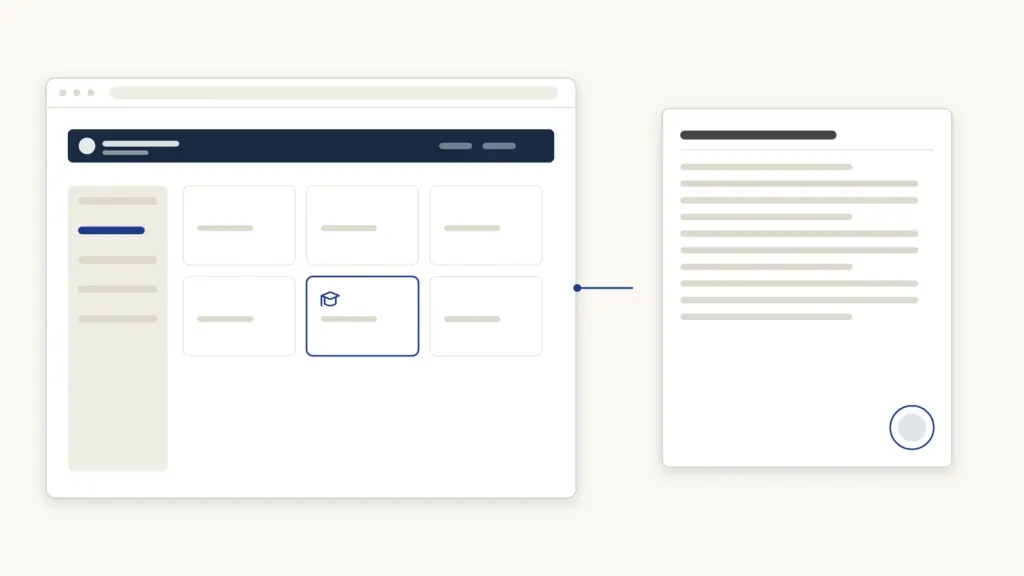
UUCMS — the Unified University and College Management System — is Karnataka’s single portal for higher education, run by the Department of Higher Education at uucms.karnataka.gov.in. Every public university and affiliated college in the state manages admissions, course registration, exam forms, internal marks and results through it, and students, faculty and administrators all sign in through the same login page with role-based dashboards. If you are joining a UG or PG programme in a Karnataka government or aided institution, your academic life runs on this portal.
What UUCMS Covers
Before UUCMS, each university in Karnataka ran its own software for admissions and exams, and data rarely moved between them. UUCMS puts all public universities and their affiliated colleges on one platform, so a student’s record — from application to degree — lives in a single system.
Through the portal:
- Students apply for admission, register for courses under NEP-style credit structures, fill exam application forms, check internal marks and semester results, apply for revaluation, and track fees.
- Faculty manage course allotment, enter attendance and internal assessment marks, and handle exam duties.
- College and university administrators manage seat matrices, approvals, timetables, fee structures and reporting to the department.
The portal issues each student a unique registration/enrolment identity that stays with them across programmes in the system.
UUCMS Student Registration (New Users)
You register once, before or during admission season:
- Open uucms.karnataka.gov.in and click the Login button — the login page shows a “New Users? Register Here” link for candidates.
- Choose the student/candidate registration option.
- Fill the registration form: name (as per marksheets), date of birth, gender, mobile number and email, category details, and prior qualification (typically your 12th/PUC details with board and roll number).
- Verify your mobile number with the OTP.
- Create your username and password, and note the registration number the portal issues.
Use your own mobile number, not a cyber-café’s — every OTP, application update and result alert goes there. Keep certificates scanned and ready; admission applications ask for uploads of marksheets, caste/income certificates where applicable, and a photo and signature. Storing these in DigiLocker keeps them accessible and legally valid.
How to Log In
- Go to uucms.karnataka.gov.in and click Login.
- Select your role — Student, Faculty, or Admin/HEI where the portal asks.
- Enter your username (or registered mobile/registration number), password and the captcha.
- Click Login to reach your dashboard.
Forgot password? Use the Forgot Password link on the login page; the reset OTP goes to your registered mobile. If your mobile number has changed, your college’s UUCMS nodal officer or admin can update it — you cannot change it yourself from outside the login.
Faculty and admin logins are created by the institution, not self-registered. Teachers get credentials from their college’s UUCMS coordinator; college admins get theirs from the university or the department.
Common Tasks on UUCMS
Admissions
During the admission window, log in as a candidate, choose the programme (BA, BSc, BCom, BCA, BBA, MA, MSc and so on), select the colleges you are applying to, fill the application, upload documents, and pay the application fee online where the college charges one. Colleges publish selection/merit lists on the same portal, and you confirm admission by paying the admission fee through your login.
Course Registration
After admission, each semester you register for your courses — major/minor papers, languages, electives, and skill/ability enhancement courses under the NEP credit framework. Your college sets the deadlines; miss them and you may need admin help to register late.
Exam Application Forms
Semester exam forms are filled inside the student login when the university opens the window. Check that your subjects appear correctly, pay the exam fee online, and download the acknowledgement. Hall tickets are downloaded from the same dashboard once the college approves your form.
Internal Marks and Results
Faculty enter internal assessment (IA) marks through their login; students can see the marks in their dashboard once published — raise discrepancies with your teacher before the university deadline, because corrections after freezing need formal approval. Semester results are declared on the portal; log in and open the results/marks-card section to view grade points and download provisional marks cards. Revaluation and photocopy applications, where the university allows them, are also filed through the login.
Troubleshooting
- Login fails with correct details — check the role selected (student vs faculty), and clear the browser cache or switch browsers; the portal behaves best on updated Chrome.
- OTP not arriving — telecom delays are common at result time; wait and retry rather than triple-clicking, and check that your registered number is active.
- Result or IA marks not visible — colleges publish in batches; if classmates can see marks and you cannot, your exam form may have an issue — contact the college exam cell.
- Wrong personal details (name spelling, DOB, category) — students cannot self-edit locked fields; the college admin raises the correction in the system.
- Portal slow on deadline day — exam-form and fee deadlines see heavy load; finish a day or two early.
Fees and Timelines at a Glance
| Item | Detail |
|---|---|
| Portal | uucms.karnataka.gov.in (Department of Higher Education, Karnataka) |
| Registration cost | Free — you pay only college/university application, admission and exam fees |
| Who self-registers | Students/candidates only; faculty and admin accounts are institution-created |
| Admission window | Announced per academic year by the department/universities (typically May–August) |
| Exam forms | Each semester, in windows notified by the university |
| Results | Declared on the portal; viewable in the student login |
| Password reset | OTP to registered mobile via Forgot Password |
UUCMS is Karnataka’s counterpart to school-level MIS portals in other states — Rajasthan’s Shala Darpan and MP’s Education Portal 3.0 solve the same problem for school education.
Frequently Asked Questions
What is the UUCMS portal used for?
UUCMS (uucms.karnataka.gov.in) is Karnataka’s unified portal for public higher education. Students use it for admissions, course registration, exam forms, internal marks and results; faculty use it for attendance and marks entry; colleges and universities use it for administration.
How do I register on UUCMS as a student?
Open uucms.karnataka.gov.in, click Login, then “New Users? Register Here”. Fill your personal and PUC/12th details, verify your mobile with OTP, and set a username and password. Registration is free.
Can I check my result on UUCMS without logging in?
Results are tied to your student login. Log in, open the results/marks-card section, and select the semester. If you cannot log in, reset the password via OTP — results are not published as open lists on the portal.
What if I forget my UUCMS password and my mobile number has changed?
Ask your college’s UUCMS admin/nodal officer to update the registered mobile number in the system; then use Forgot Password to reset via OTP on the new number.
Does UUCMS cover private universities in Karnataka?
UUCMS is built for the state’s public universities and their affiliated (government, aided and private affiliated) colleges. Standalone private and deemed universities run their own systems and are generally outside UUCMS.
How are internal marks entered on UUCMS?
Subject teachers enter IA marks through the faculty login within the window the university sets; after verification they are frozen and reflected in the student dashboard. Corrections after freezing require approval through the college.
Is there a UUCMS mobile app?
The portal is browser-based and works on mobile browsers. Treat any third-party “UUCMS” app with caution — use only uucms.karnataka.gov.in and never share your OTP or password.
Tell Google you want more of this.
Add Anantam IAS as a preferred sourceOne tap, and this site shows up more often in your own Top Stories, AI Overviews and AI Mode. Remove it any time.