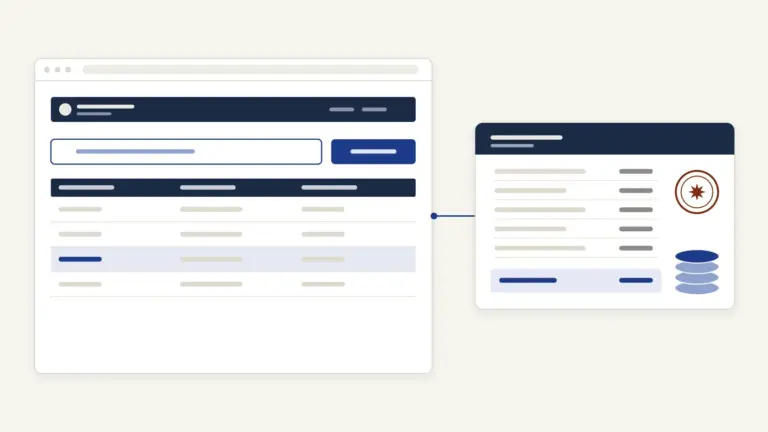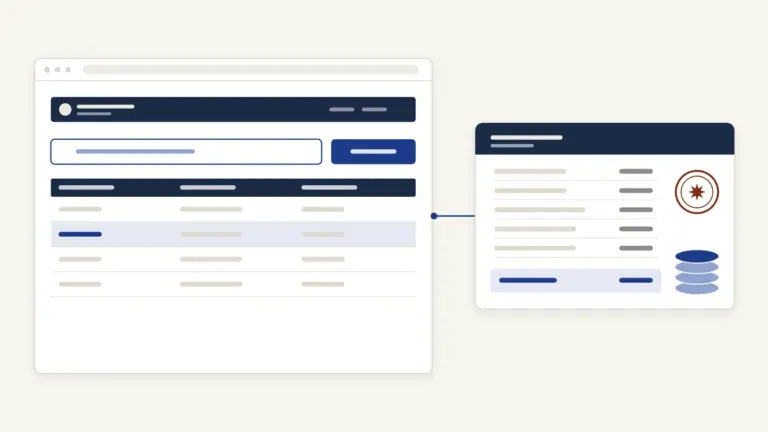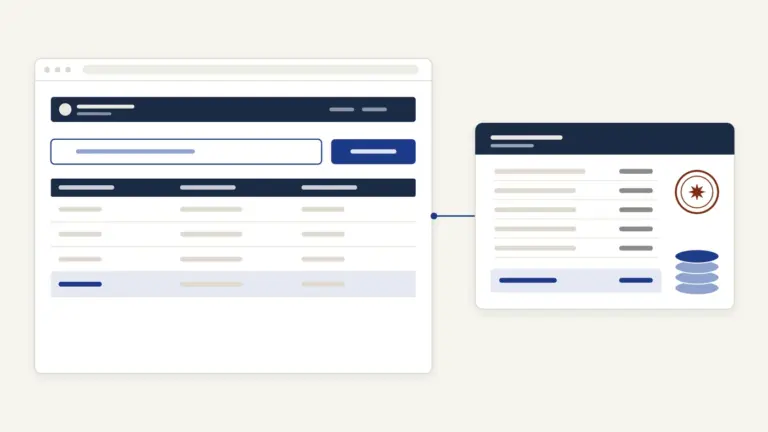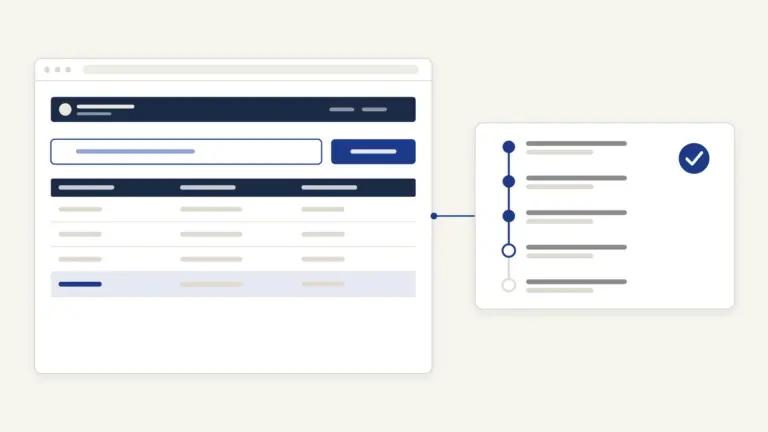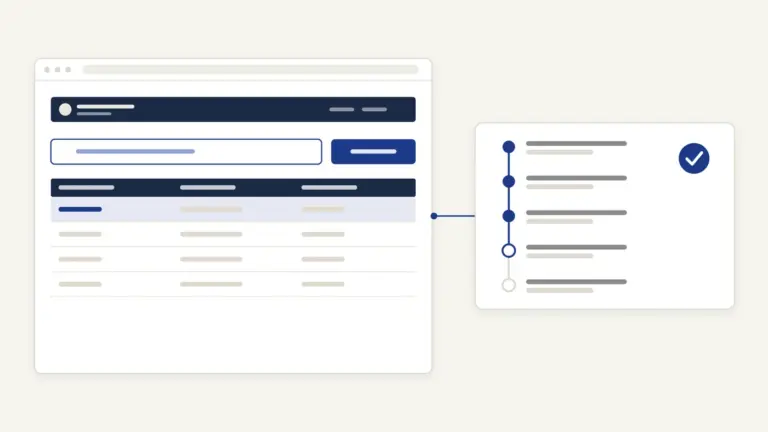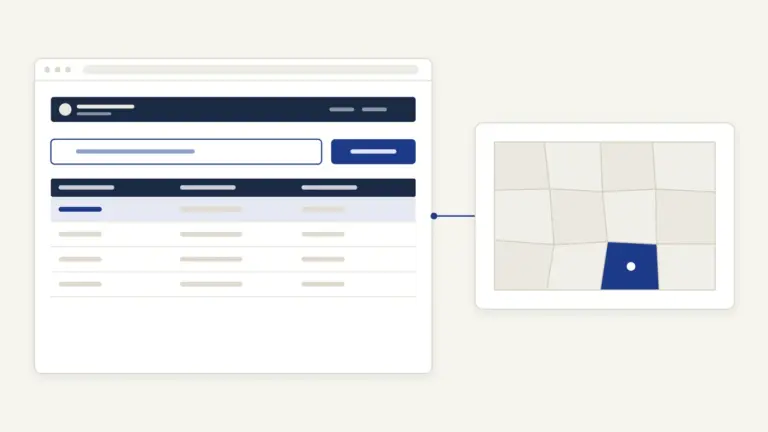

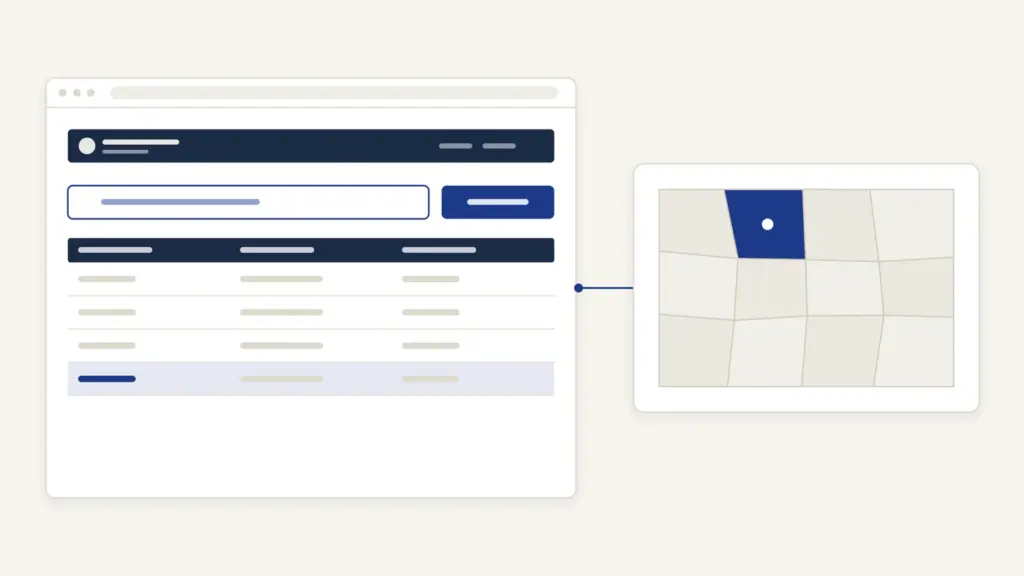
Dharitree Assam is the name most people use for Assam’s online land records, and they open it to see one document: the jamabandi, the record of rights that shows who holds a plot, under which patta and over which dag (plot) numbers. The citizen view now sits inside ILRMS, the Integrated Land Records Management System of the Revenue and Disaster Management Department, at ilrms.assam.gov.in. Viewing a jamabandi on Dharitree Assam is free and needs only the district, circle, village and a dag or patta number.
The confusion is about what Dharitree is. Inside the department, Dharitree is the back-office system that circle offices use to update land records; citizens see its data through a page called Dharitree Services for Citizen. The copy you can hand to a bank or court doesn’t come from that page at all. It comes from Sewa Setu, the state’s service portal, as a certified copy with its own fee and time limit.
Dharitree Assam at a Glance
These are the basics from the department’s own pages.
| Fact | Detail |
|---|---|
| Run by | Revenue and Disaster Management Department, Government of Assam; built by NIC Assam |
| Citizen view | ilrms.assam.gov.in/dhar (Dharitree Services for Citizen) |
| Records shown | Jamabandi (record of rights), searched by dag number, patta number or pattadar name |
| Certified copy | Sewa Setu: Rs 20 application fee plus Rs 10 convenience fee, 5 days |
| Mutation | Sewa Setu: Rs 500, 60 working days, by inheritance or after a registered deed |
| Land revenue | e-Khajana on Sewa Setu |
| Maps | Bhunaksha Assam (bhunaksha.assam.gov.in) |
| Governing law | Assam Land and Revenue Regulation, 1886, as amended |
| Helpline | Sewa Setu toll-free 1800-345-3574 |
Dharitree, ILRMS and Sewa Setu: Which Does What
The plain answer is that ILRMS is the umbrella, Dharitree is the record engine and Sewa Setu is the counter. The department describes ILRMS as four connected systems:
- an online system for the NOC (no-objection certificate) needed to transfer immovable property under section 21A of the Registration Act;
- Dharitree, the online system for updating land records;
- e-Panjiyan, the system for registering property;
- an online system for collecting land revenue.
So when a sale is registered, the NOC, the registration and the record update are meant to talk to each other. Citizens see the result in two places on ILRMS: View Jamabandi copy and View Jamabandi copy with transliteration. Applications, payments and certified copies go through Sewa Setu, which has replaced the old RTPS portal; rtps.assam.gov.in now redirects there.
Many people still search for the older revenueassam.nic.in address. The Revenue Department’s own website links the citizen viewer on ilrms.assam.gov.in, so start there. The same shift towards a national land-records stack is explained in our note on land records management in India.
What the Jamabandi, Chitha and Patta Mean
Assam’s land records use their own terms, and the portal assumes you know them.
| Record or term | What it means | Where to get it |
|---|---|---|
| Jamabandi | The record of rights: pattadars, patta number, dags and their details | Free view on ILRMS; certified copy on Sewa Setu |
| Chitha | The basic field record of every dag, updated by field staff during village visits | Certified copy on Sewa Setu (same service as jamabandi); e-Chitha for patta land for the current year |
| Patta | The settlement document under which land is held; one patta can cover several dags | Patta number is a search key on the viewer |
| Dag | The plot number in a village’s survey | Dag number is a search key on the viewer and on Bhunaksha |
| Pattadar | The landholder named on the patta | Searchable by name on the viewer |
| Mutation order | The order that records a change of pattadar | Certified copy on Sewa Setu |
Patta type matters too. The department runs a separate service to convert land from Annual Patta to Periodic Patta, and the patta type is one of the search fields in the transliteration viewer. The word jamabandi also turns up in Bihar and Rajasthan, where the register is laid out differently; our guides to Bihar Bhumi and Apna Khata Rajasthan explain those systems.
How to View a Jamabandi on Dharitree Assam
The citizen viewer is a click-through form in Assamese and English. You need the district, the revenue circle, the village and either a dag number, a patta number or the pattadar’s name.
- Open ilrms.assam.gov.in and click View Jamabandi copy, or go straight to ilrms.assam.gov.in/dhar.
- Pick the district under জিলা / District. The circles of that district appear.
- Pick the circle under চক্র / Circle.
- Pick the village under গাওঁ / Village / চহৰ / Town. For a long list, use First Letter Of village, an on-screen Assamese alphabet, to narrow it.
- Choose Search By Dag Number or Search By Patta Number, or search by the pattadar’s name.
- Type the number with the on-screen keys. The page asks you not to use the external keyboard.
- Click See Jamabandi to open the record.
The district list on the viewer has 30 entries, using current names such as Sribhumi and Bajali. Karbi Anglong, West Karbi Anglong and Dima Hasao, the hill districts under the Sixth Schedule, aren’t in it, and neither are Baksa or Tamulpur. For land in those districts, ask the circle or council office directly.
The page itself carries the advice that matters most: if your record is missing online, don’t panic, and contact your circle office.
How to View a Jamabandi in Another Language
The second viewer, View Jamabandi copy with transliteration, shows the same record in any of 22 languages. It’s useful when the reader of the record, a bank officer from another state or a lawyer, can’t read Assamese.
- Open the link from the ILRMS home page.
- Select the district, sub-division, circle, mouza, lot and village in turn.
- Select the patta type.
- Choose By Patta No or By Dag no and pick the number.
- Pick a language from the options the viewer offers and open the record.
This viewer still lists the old name Karimganj where the main viewer says Sribhumi, so look for either name. A transliterated view is a reading aid; it isn’t a certified copy.
How to Get a Certified Copy of the Jamabandi
The certified copy comes from Sewa Setu under the service Certified Copy of Jamabandi or Records of Right/Chitha. The steps below follow that service’s own guidelines.
- Open sewasetu.assam.gov.in. A first-time user registers with full name, mobile number, state and a password; email is optional.
- Log in and find the service under Revenue and Disaster Management.
- Read the Requirements tab, then click Apply Now.
- Fill the form and upload the supporting documents. You must be an existing pattadar of the land.
- Pay online at the time of submission.
- Note the reference number on the acknowledgement slip. An SMS and email confirm it.
- Download the certified copy from the portal when the SMS and email say it’s ready.
The supporting document the service insists on is an up-to-date land revenue receipt or land revenue clearance receipt for the land, plus any other land-related document. If an official raises a query, you answer it online or file a fresh application.
Mutation, Land Revenue and Maps
Viewing and copying are only part of the work. Changing the record, paying land revenue and seeing the plot on a map each have their own route.
Mutation by inheritance. A legal heir applies on Sewa Setu under Mutation by right of inheritance. The documents are:
- proof of death of the deceased pattadar;
- a legal heir certificate;
- the latest land revenue receipt, which the system fetches through e-Khajana;
- a self-declaration on oath covering the heirship, that the land hasn’t been transferred or mortgaged, and that the applicant’s holding stays within the Assam Fixation of Ceiling on Land Holdings Act, 1956.
Mutation after a sale. A buyer, or the buyer’s heirs, applies under Mutation after deed registration with the registered deed or a certified copy, unless the auto-mutation service already picked it up, together with the land revenue receipt and a similar declaration.
Land revenue. Every pattadar and co-pattadar pays land revenue, called khajana, every year for each dag. The e-Khajana service on Sewa Setu takes that payment, and the receipt is the one the mutation and certified-copy services ask for.
Maps. The cadastral map lives on Bhunaksha Assam, NIC’s mapping software, which the department says also handles map corrections and certified copies of maps. On the site you choose the district, circle and village, then search by dag number or owner name to open the dag details. Around 26,000 village maps have been digitised and linked to Dharitree, but about 2,500 villages are unsurveyed or have no map sheet, so some plots won’t show.
Fees and Timelines
Viewing the jamabandi costs nothing. The paid services and their time limits come from Sewa Setu’s service pages:
- Free view on ILRMS: no charge and no login.
- Certified copy of jamabandi or chitha: Rs 20 application fee plus Rs 10 convenience fee, paid online; 5 days under the ARTPS citizen charter.
- Mutation by inheritance: Rs 500 user service charge; 60 working days.
- Mutation after deed registration: Rs 500; 60 working days.
- e-Khajana: the land revenue itself, with a 15-day time limit for the service.
- Through a PFC or CSC centre: Rs 30 service charge, plus Rs 10 a page for printing and Rs 5 a page for scanning.
These limits are binding because the services are notified under the Assam Right to Public Services Act, 2012. Sewa Setu says the Act was amended in 2019 and 2024 and now also covers the Bodoland, Dima Hasao and Karbi Anglong councils.
How to Track Your Application
Sewa Setu has a Track button at the top of every page. Enter the application reference number from your acknowledgement slip to see where the file stands. The portal also sends SMS and email updates, including any query from the official, so keep the mobile number on the application active.
If a mobile number has changed, Sewa Setu lists a separate Mobile Number Updation service under the Revenue Department.
Common Errors and Their Fixes
Most Dharitree problems repeat, and each has a known fix:
- Record not found. The page’s own advice applies: contact the circle office, which holds the register and can check the entry.
- District missing from the list. Hill districts and a few others aren’t on the viewer; go to the circle or council office.
- Village name not found. Village names appear in Assamese. Use the first-letter keypad, and remember that the transliteration viewer may still use an older district name.
- Typing doesn’t work. The viewer expects its on-screen keys for dag numbers; use them instead of the physical keyboard.
- Plot not on the map. About 2,500 villages have no digitised map sheet. Ask the circle office for the map position instead.
- Wrong name or area in the jamabandi. Sewa Setu lists Name Correction and Area Correction services under the Revenue Department; apply there rather than hoping the next update fixes it.
- Old land revenue receipt. The certified-copy service asks for an up-to-date receipt, so pay through e-Khajana first and apply after that.
Where to Complain
Start where the record lives. The circle office keeps the jamabandi and chitha and handles mutation, so most problems end there.
- Circle office: for missing records, wrong entries and stuck mutations.
- Sewa Setu Grievances and Appeals: both are tabs on the portal. A notified service that misses its time limit can be appealed under the ARTPS Act.
- Sewa Setu helpline: toll-free 1800-345-3574.
- Department grievance: the Revenue Department’s website sends grievances to CPGRAMS, the central public grievance portal.
Assam is one of many states that have moved land records online; the others are gathered on our land records portals page, and the national push to link records, maps and registration is tracked in our note on the DILRMP land stack guidelines. The habit worth building is simple: read the jamabandi free, pay your khajana, and get the Rs 20 certified copy before any money changes hands.
Frequently Asked Questions
What is Dharitree Assam?
Dharitree is the online system that Assam’s Revenue and Disaster Management Department uses to update land records. Citizens see its data through Dharitree Services for Citizen on the ILRMS portal at ilrms.assam.gov.in. Viewing a jamabandi there is free.
How can I check my land record in Assam online?
Open ilrms.assam.gov.in and click View Jamabandi copy. Select the district, circle and village, then search by dag number, patta number or pattadar name and click See Jamabandi. No login is needed.
Is the jamabandi on ILRMS valid as a certified copy?
No. The viewer itself says that a certified copy of the jamabandi or record of rights comes through the state’s service portal, now Sewa Setu. The certified copy costs Rs 20 plus a Rs 10 convenience fee and is due within 5 days.
What is the difference between jamabandi and chitha?
The jamabandi is the record of rights, listing pattadars and the dags under each patta. The chitha is the basic field record of each dag, which field staff update during village visits. Sewa Setu issues certified copies of both under one service.
How do I apply for mutation in Assam?
Apply on Sewa Setu under Mutation by right of inheritance or Mutation after deed registration. Both charge Rs 500 and have a time limit of 60 working days. You need the land revenue receipt, a self-declaration on oath and either the death and legal heir papers or the registered deed.
What should I do if my record is not on Dharitree?
Contact your circle office, as the viewer itself advises. Some districts are not on the viewer at all, and the circle office holds the register for every village in its area. It can check the entry and tell you how to get the online record corrected.
How do I see the land map of my dag in Assam?
Use Bhunaksha Assam at bhunaksha.assam.gov.in. Choose the district, circle and village, then search by dag number or owner name to open the dag details. About 2,500 villages have no digitised map, so some plots may not appear.
How do I pay land revenue online in Assam?
Use the e-Khajana service on Sewa Setu. Every pattadar and co-pattadar pays land revenue yearly for each dag. Keep the receipt, because the certified copy and mutation services ask for it.
Tell Google you want more of this.
Add Anantam IAS as a preferred sourceOne tap, and this site shows up more often in your own Top Stories, AI Overviews and AI Mode. Remove it any time.